Recap from part 1
For my environment design I had to choose a main theme and a sub theme from a list that was provided and then create an asset and an environment that fit the chosen themes.
For my main theme I chose fantasy and for my sub-theme I chose decay.
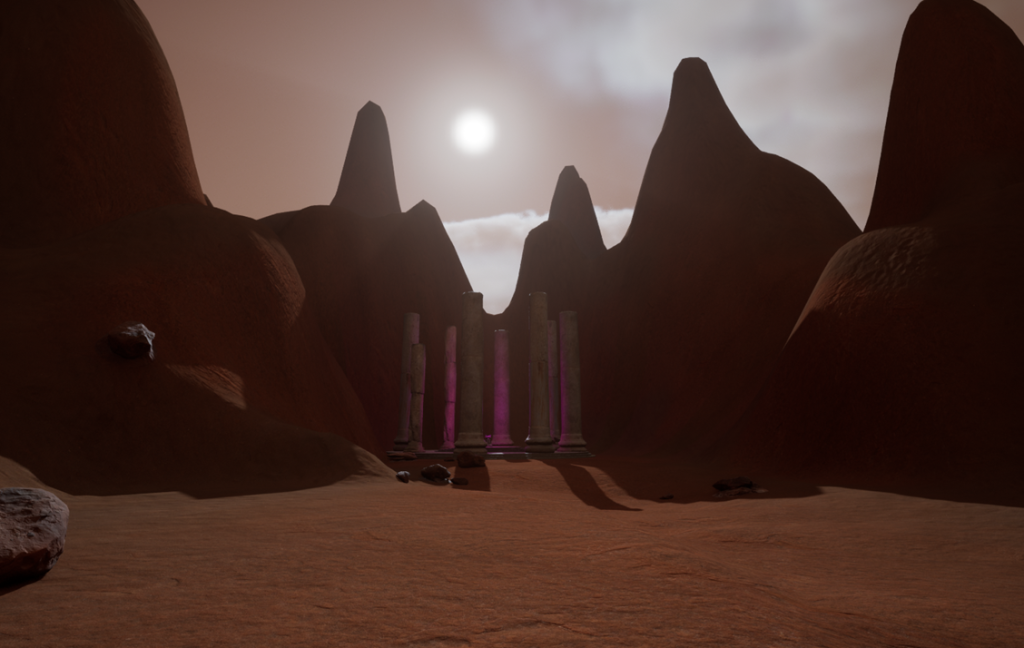
The idea I had for my environment was a rocky desert mountain range with an altar within the mountains and a path leading to some temple ruins. The decay aspect is shown by the ruined altar, any metal being rusted and any stone details being cracked and dirty. The fantasy aspect is shown by the runes scattered around, especially on the altar and the unnatural purple glow that comes from alter and temple.
The design process
When I started creating my environment I had had very little experience with unreal engine. I started by learning the basics of unreal and unreal engine 5 in particular, such as the controls and how things worked and interacted.
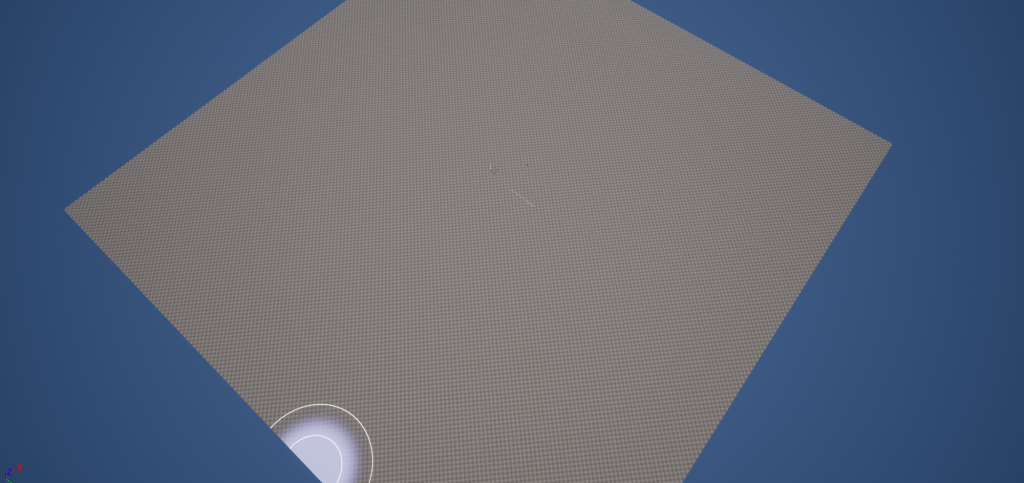
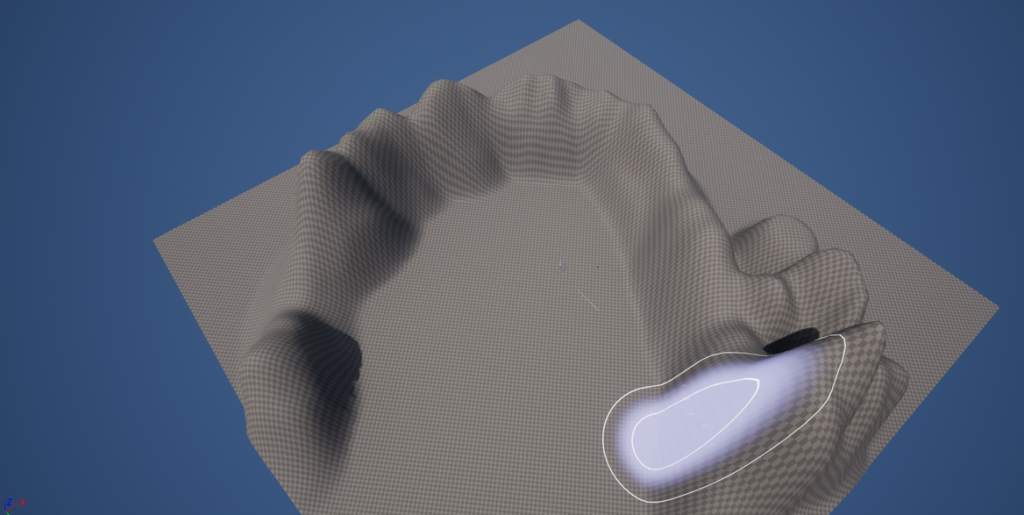
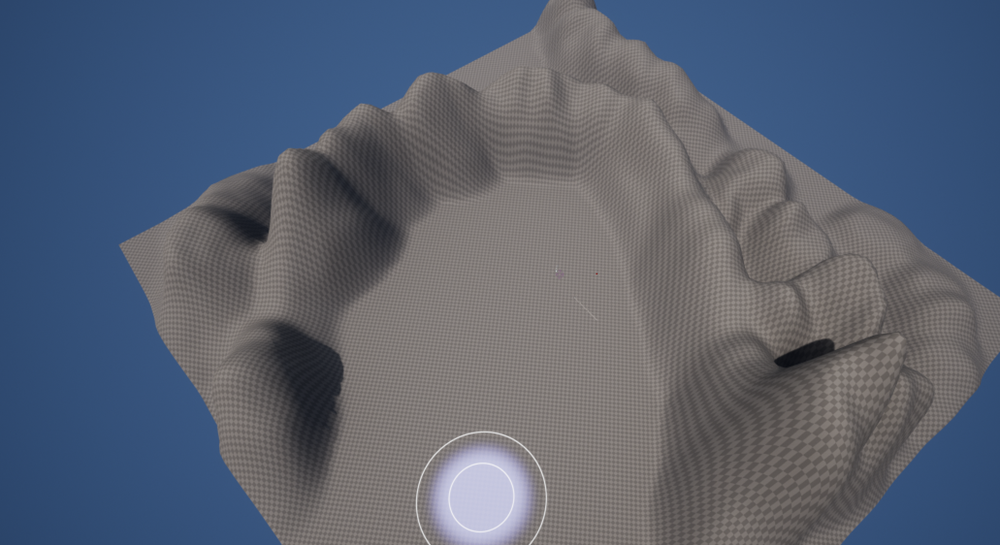
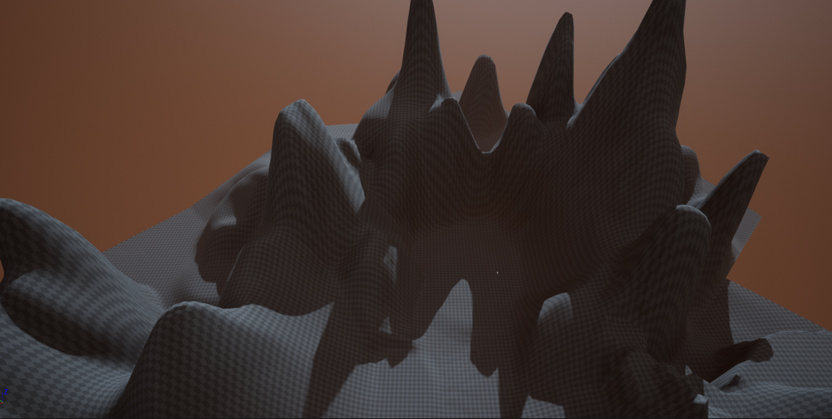
When I actually started to create my environment the first thing I needed to create was the base of the landscape. For this I started by using the landscape tool and creating a small landscape, getting the general shape of the area I wanted the altar to sit in. I did this by using primarily the landscape sculpt, smooth and flatten tools, After playing with the tools and figuring out how to use them I created the general shape for the mountain range with a gap in the middle for the alter to sit in.
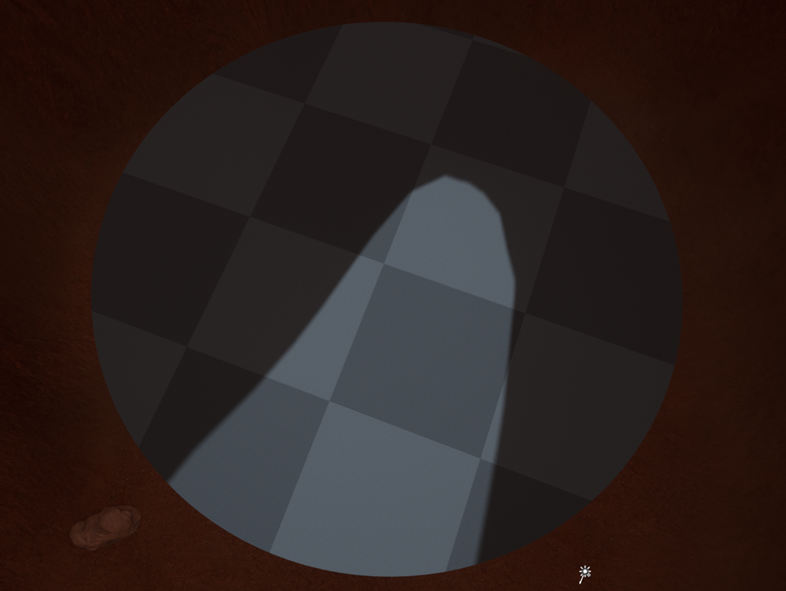
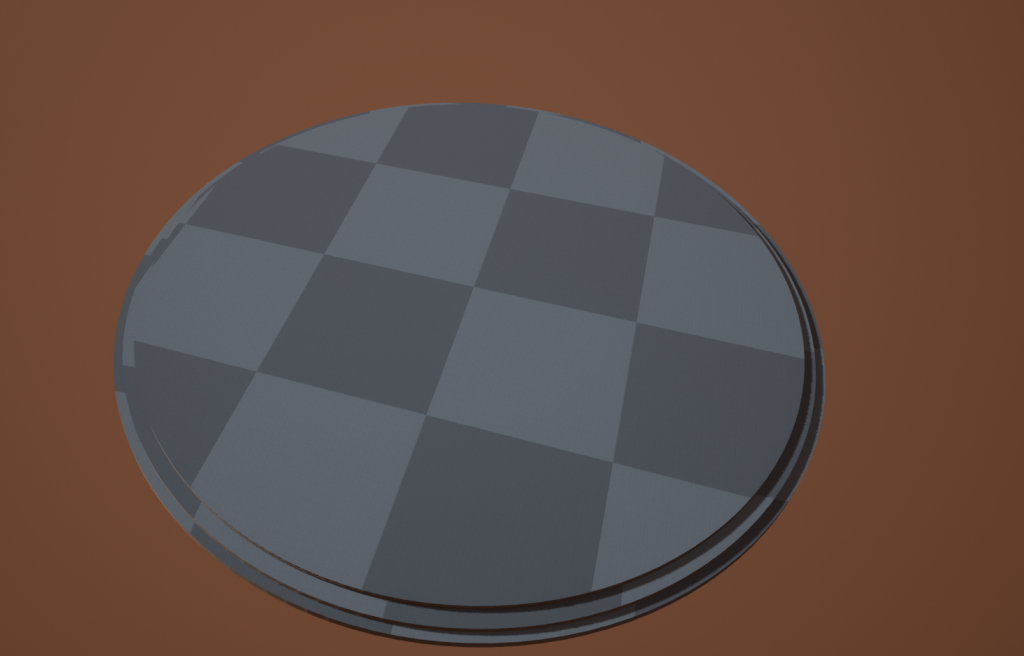
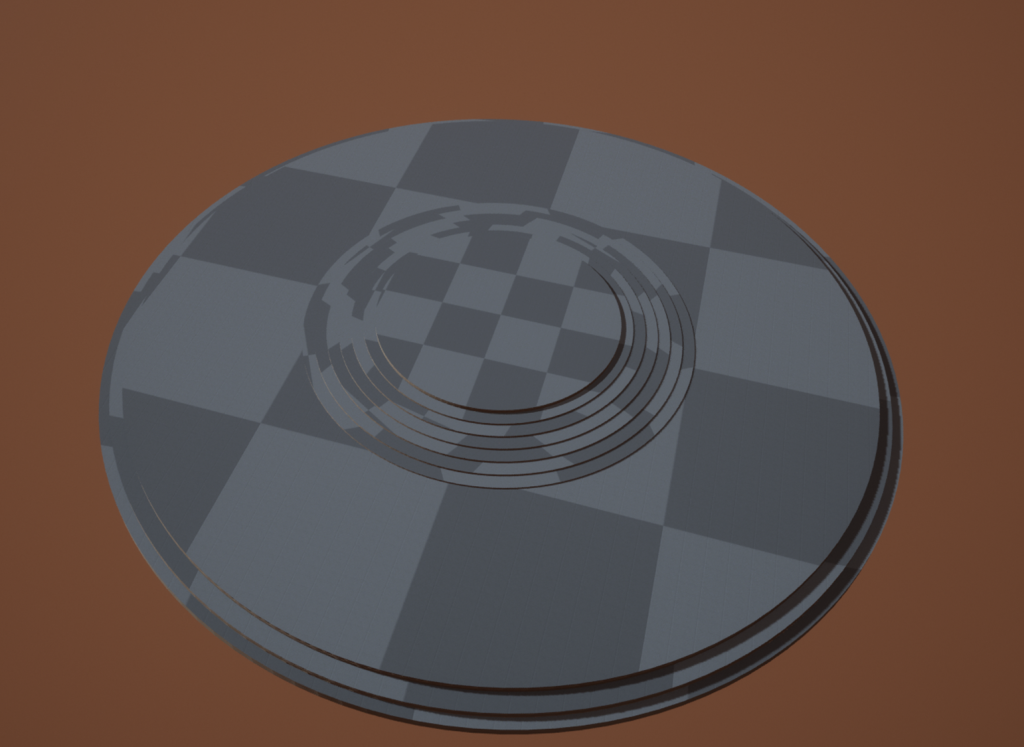
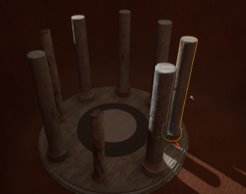
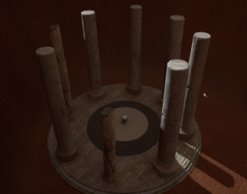
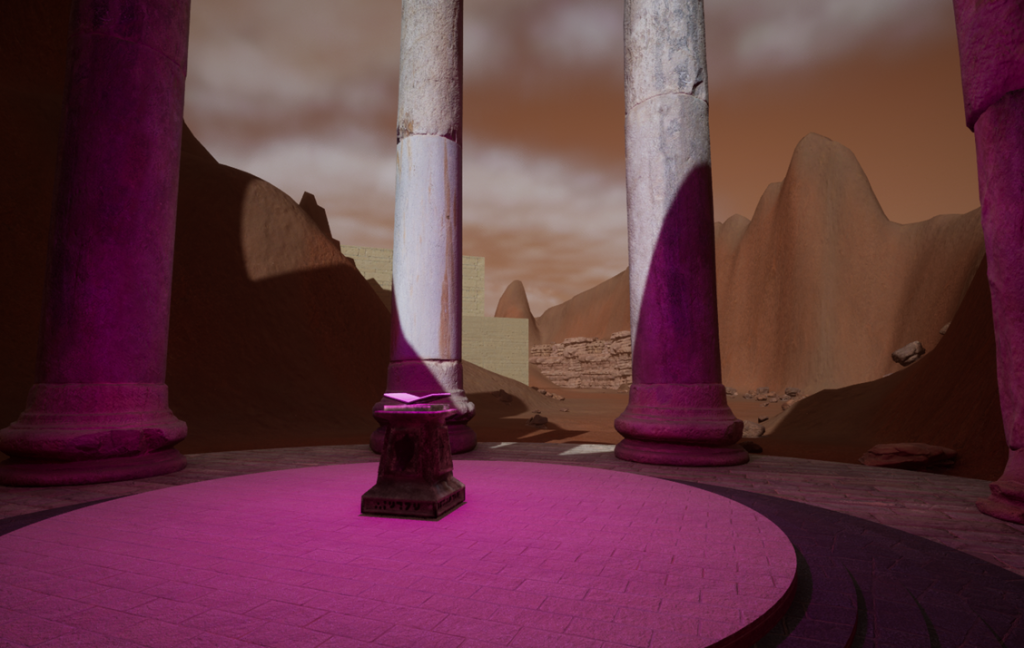
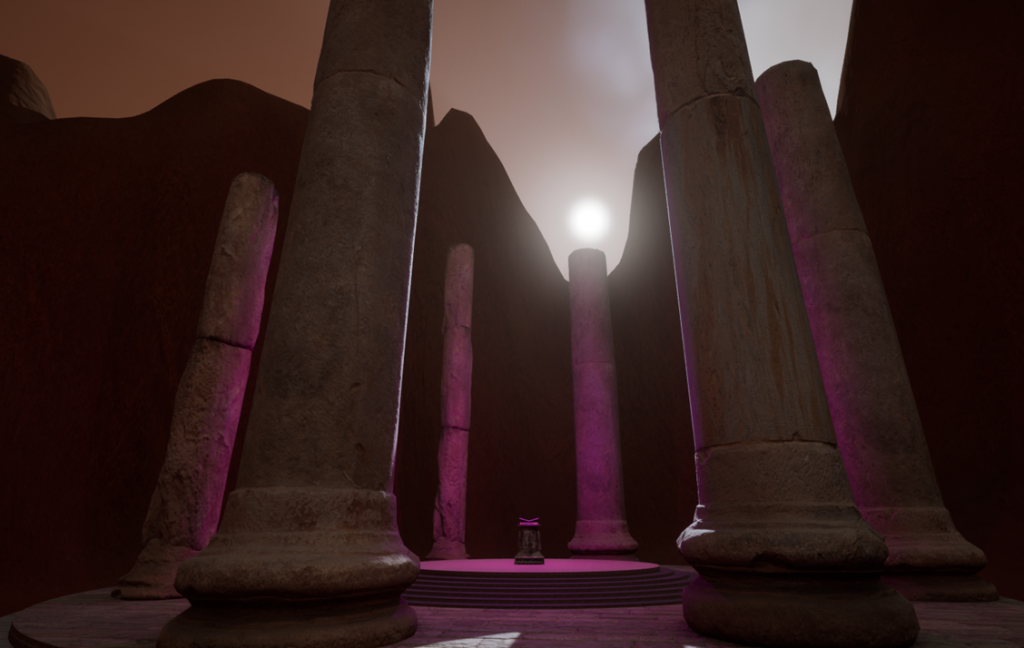
After I created the mountain range that the altar would sit in, I started to create the basic shape of the altar. This started with my idea for a broken down circular shrine with a magical pedestal in the centre, from this I created a circular platform that is raised from the ground, after creating the first circle I duplicated it twice. Making the first copy slightly larger and lower down, and the second copy slightly larger still and again lower down than the first. Creating stairs that lead up to the base platform.
After that, I made another seven copies that, each were smaller and place in the middle of the platform as staircase into a smaller venue for the pedestal to sit on; Then, I found textures on the quixel bridge that would fit the idea I had in my mind, for this I found some sandstone and stone textures, I gave the steps different colours to the platforms so that the platforms stand out from the stairs.
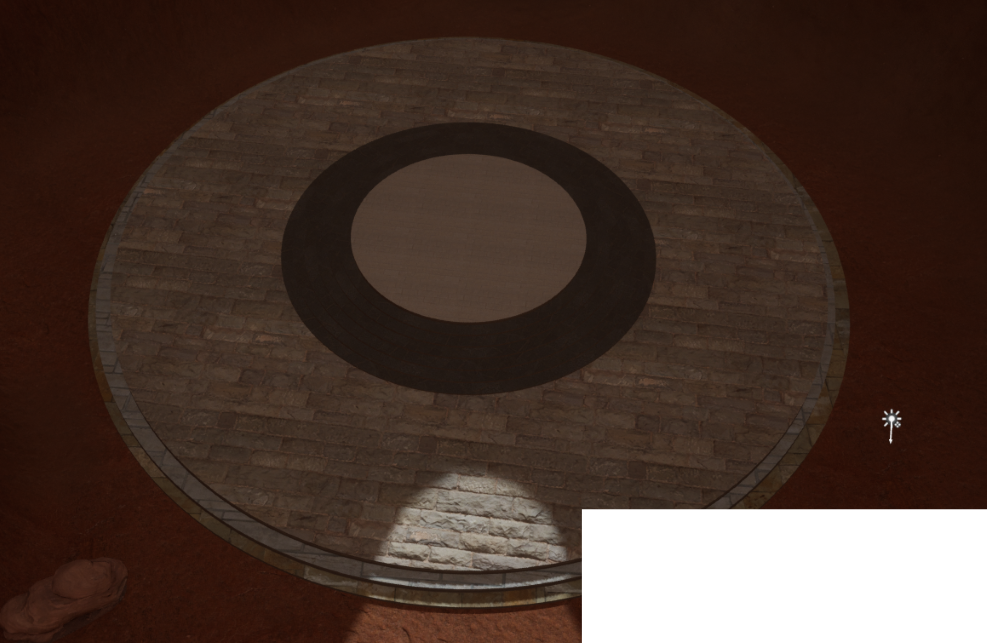
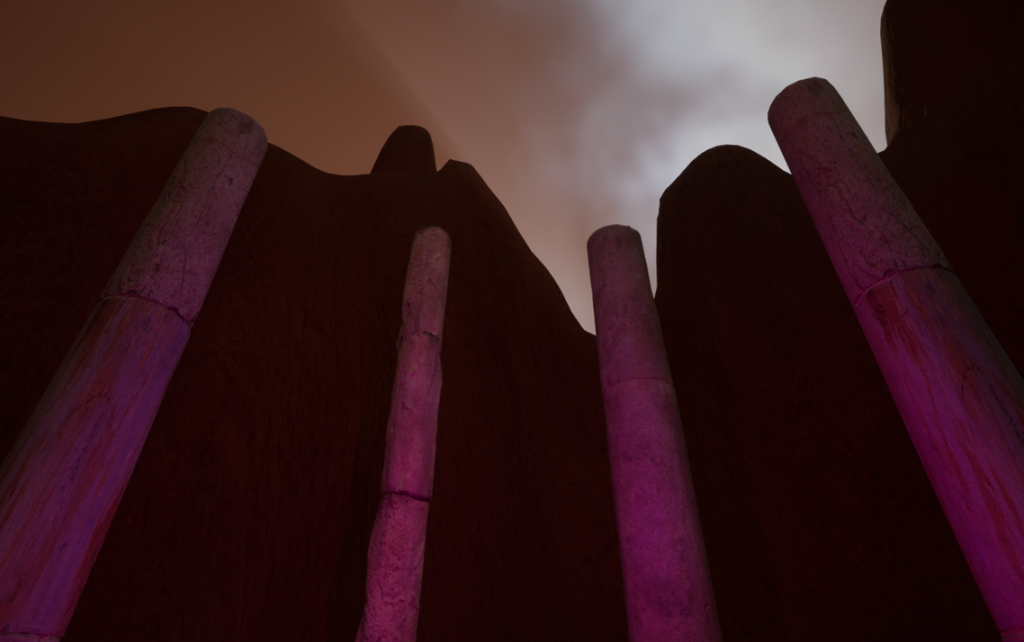
Next I found some broken column textures on quixel bridge and placed them around the edges of the main platform. Making sure that they are equal distance apart and varying types so that it does not just look like the same column repeated around the whole altar. Although they are different assets and therefore different sizes I tried to ensure that all of the columns are at least similar in radius. The differences in height simply further display that they are ruined and falling apart in a more natural way as they would not normally all decay in the same way and at the same speed.
The final detail I added to the altar is a purple glow above the center of the platform. I did this as I believe it created a more mystical theme to the altar as the glow has no obvious source and it is an unnatural colour. This enhances the fantasy aspect as it draws more intrigue to the alter overall .
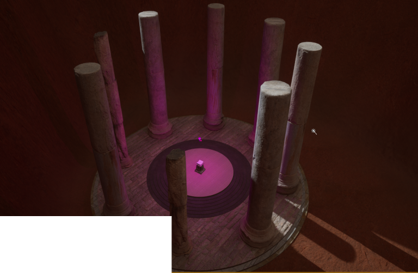
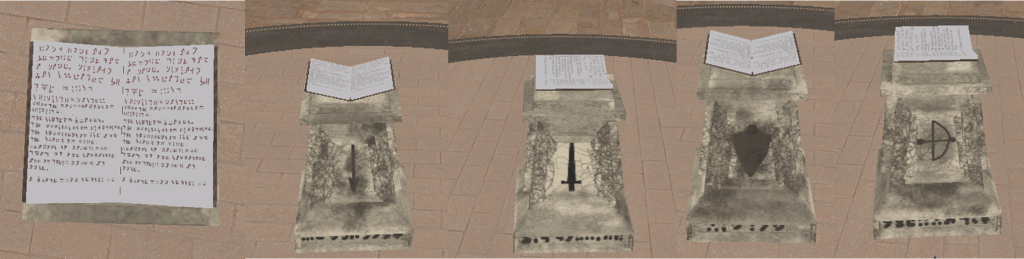
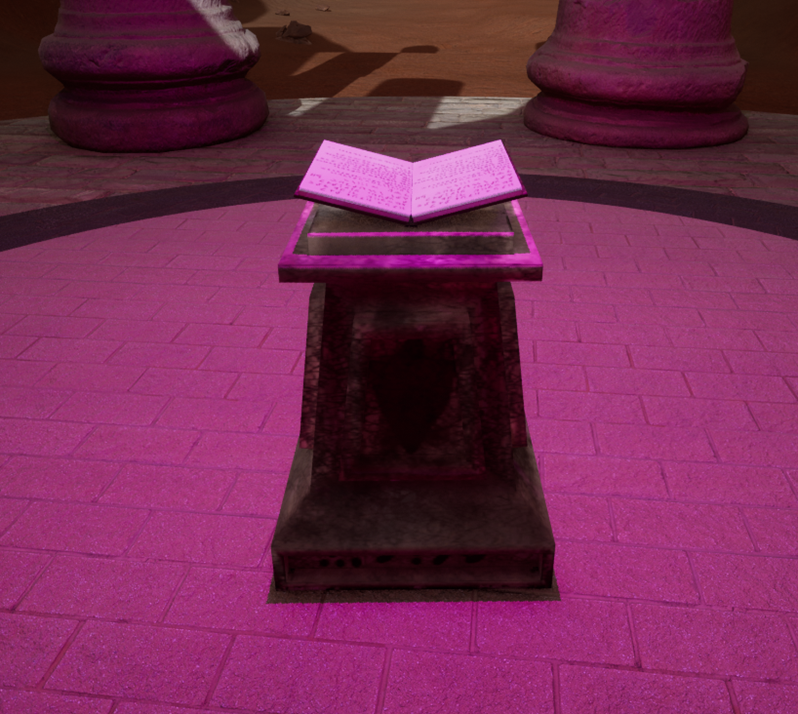
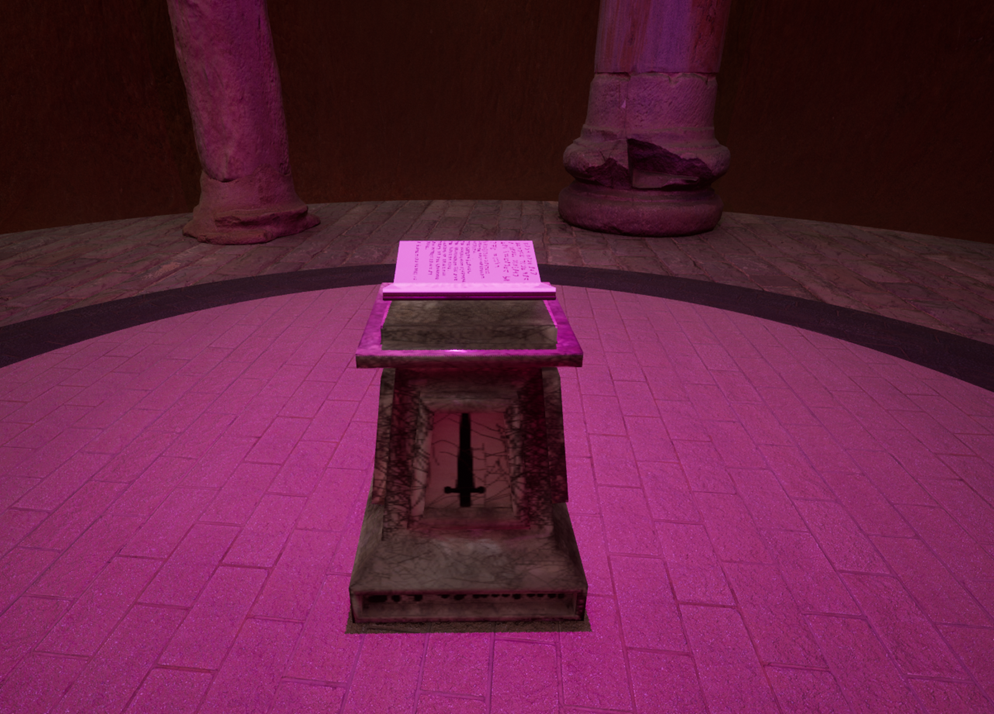
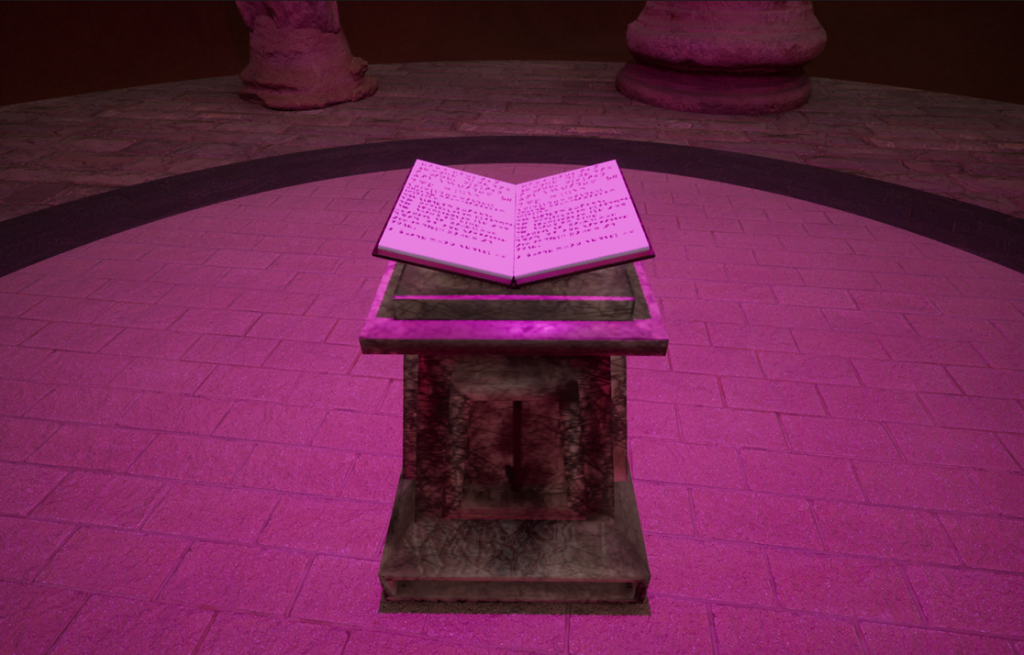
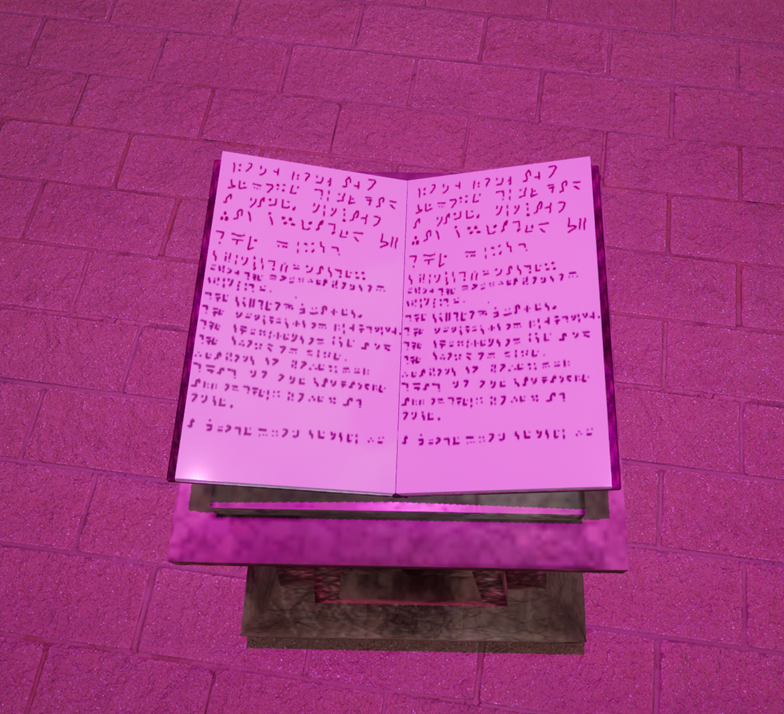
After adding the columns to the altar I added the actual altar asset to the center of the raised platform. This asset is meant to be the focal point of the altar as it is engraved with runes and decayed with a book also covered in runes floating on top. I created this asset for the asset design module. It is made of three parts that are combined into one with three different materials. For the main base I created a ruined sandstone look with runes engraved and a symbol of a weapon on each side. For the book cover I used a leather texture and added dirt so that it looked like it was still intact, just dirty which helps to signify that the book somewhat supernatural. Or strange due to it being just muddy when the environment around it is destroyed and cracked. For the pages I used a white base and used the same runes that were engraved on the pedestal on the pages. These pages are in pristine condition showing that like the cover it was not affected by the flow of time but also remained clean.
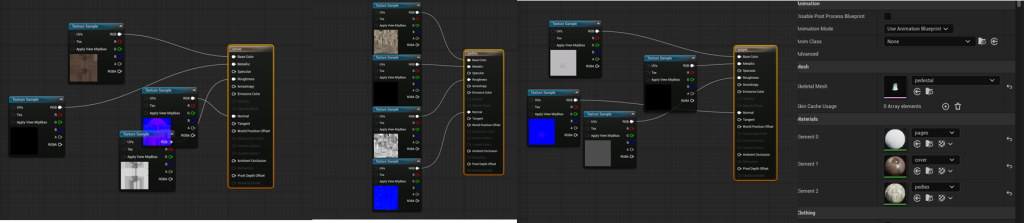
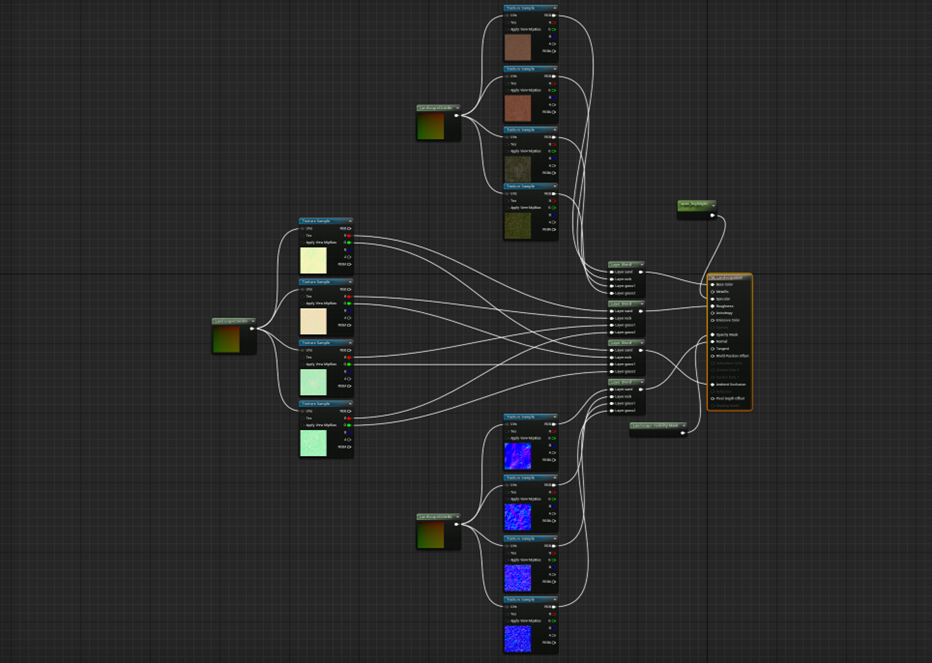
The next thing I did was improve the environment, for this I created and added a material to the environment. The material I created had multiple parts and textures so that in landscape mode I could paint the different textures on to the environment. This added some variation to an otherwise bland material. Using this material I painted most of the desert to a regular sand texture and then painted a path using a red rock texture. This path went from the corner of the environment to the altar, I then painted the sides of the mountain to the same rock texture, showing that the path has decayed and the sand has been pushed away. Since the sand cannot stick to the steep edges of the mountain.
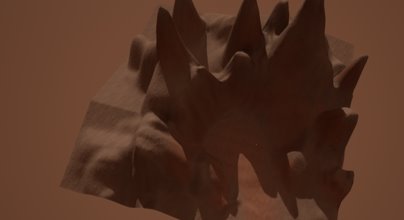
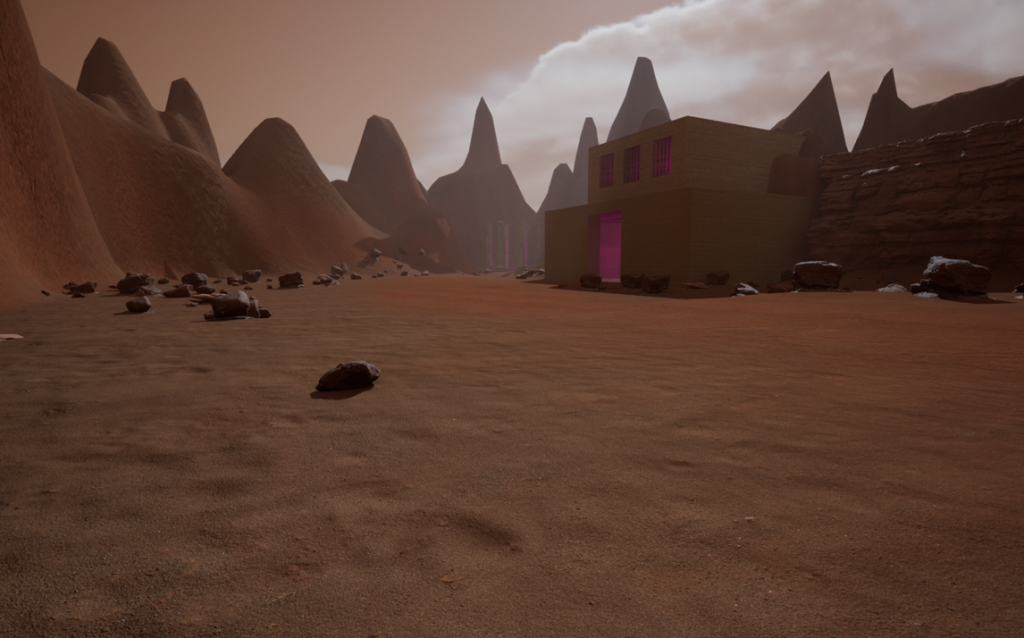
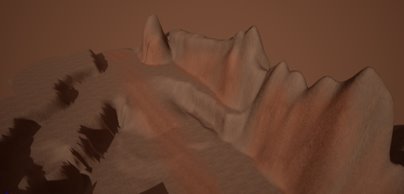
After adding material to the environment, I realised that it was too small and I would have little to no room for an interior environment. So I expanded the environment, and made the path originate from a valley surrounded by mountains and cliffs. Then I added some rocky assets to the cliffsides to add some more texture to the otherwise bland and repetitive landscape.
Alongside rocky cliffs I also used the foliage tool to create rocks around the environment. I did this by downloading twelve rock assets from quixel bridge and adding them to the foliage tool, then I adjusted the brush size and paint density. I made the brush size 700 and the paint density 0.0002, I made the paint density this low so that the environment was not overcrowded and was still a desert rather than entirely covered in rocks.
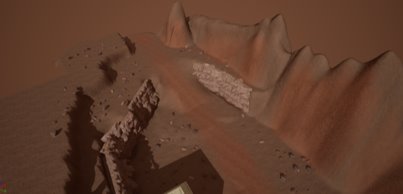
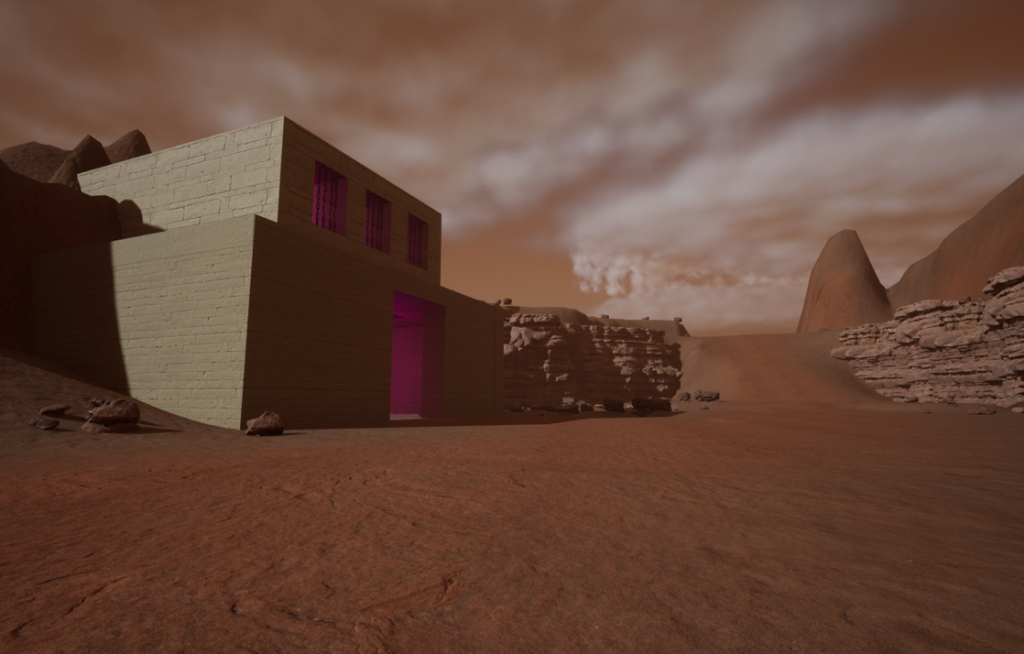
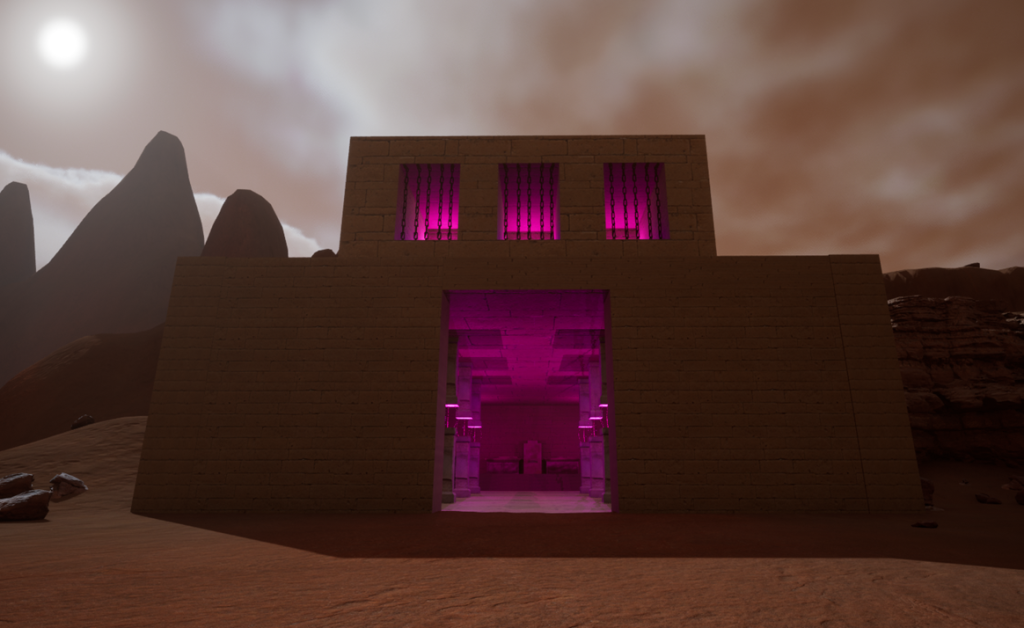
With the environment expanded and room for the interior environment, I started by creating a block asset that would make up a single wall of the building. From this I created bigger walls made up of multiple wall segments and a floor of two larger segments. Next I created a box of these walls and then added a larger solid box on top, using a smaller box I cut an area out of the solid box, I repeated this on both sides of the gap to create three windows in the upper level.
After that I added materials to the wall and floor segments, I added a smaller brick texture to the walls and a larger brick slab texture to the floor and ceiling.
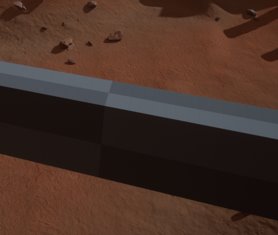
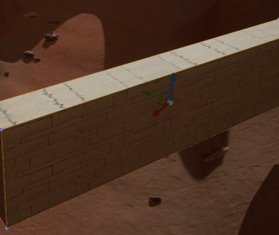
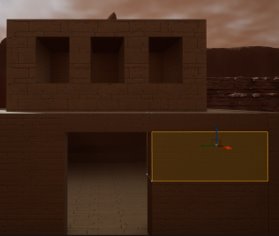
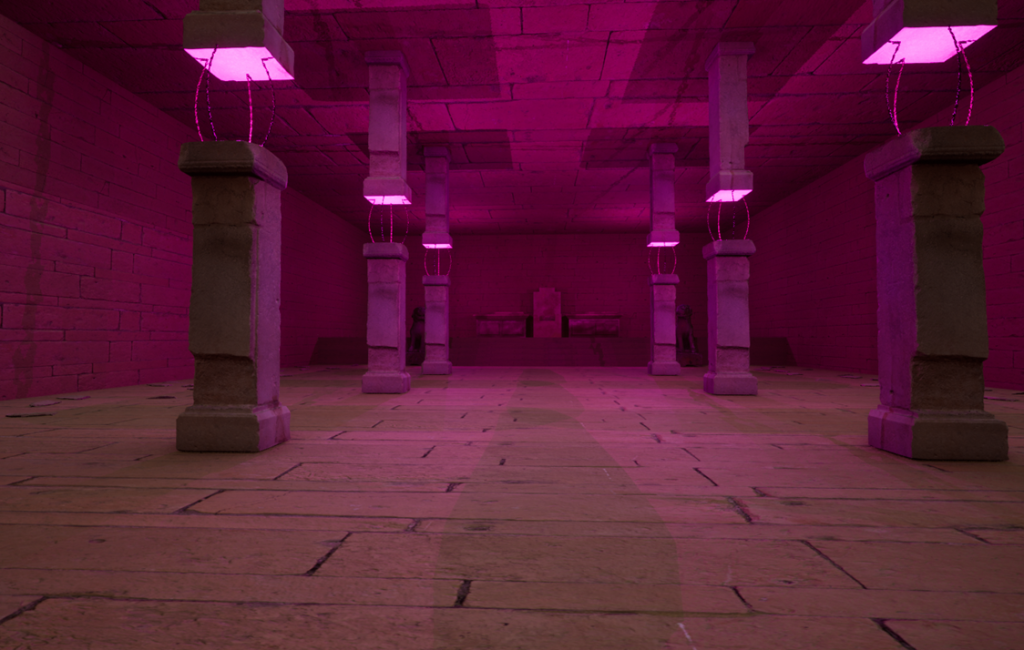
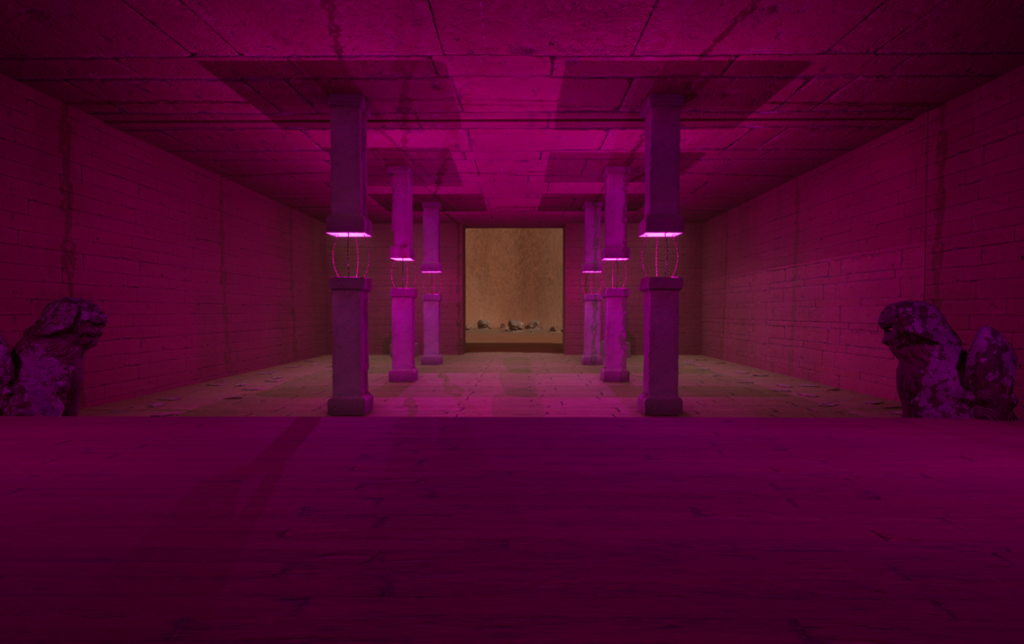
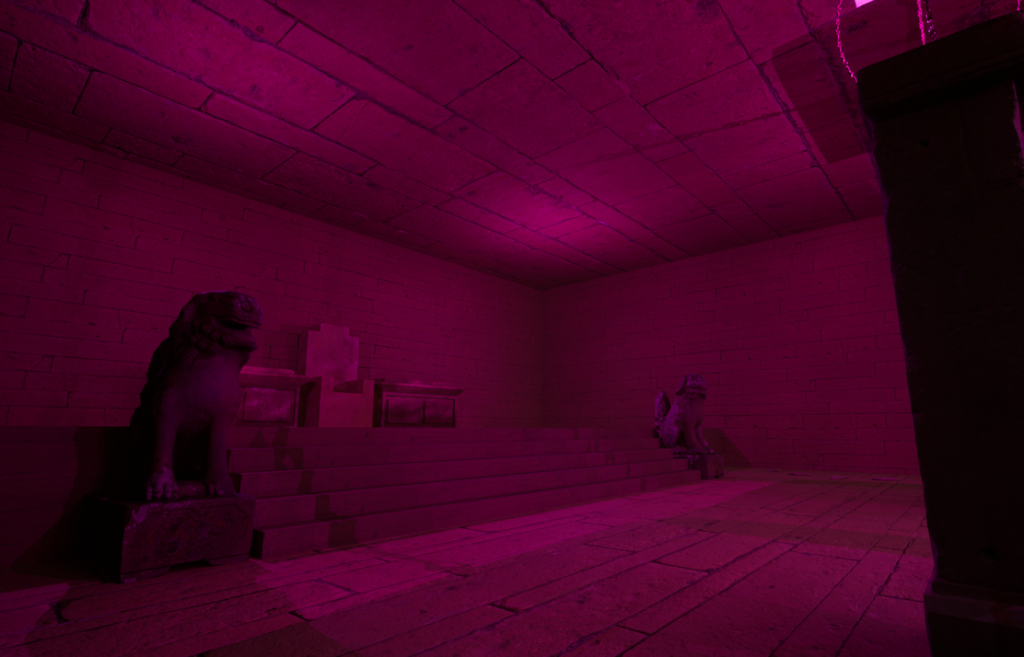
Next I started to add some detail to the interior of the building, starting with a raised platform at the back of the building and a staircase leading to the raised platform. I added some pillars that I found on quixel bridge and for each pillar I used two pillars that have a gap in the middle. In the middle I added a purple light similar to the one above the altar, after creating the pillar style, I copied and pasted it with four on each side of the door creating a path to the raised platform. I also added the same lights to the windows in the upper level.
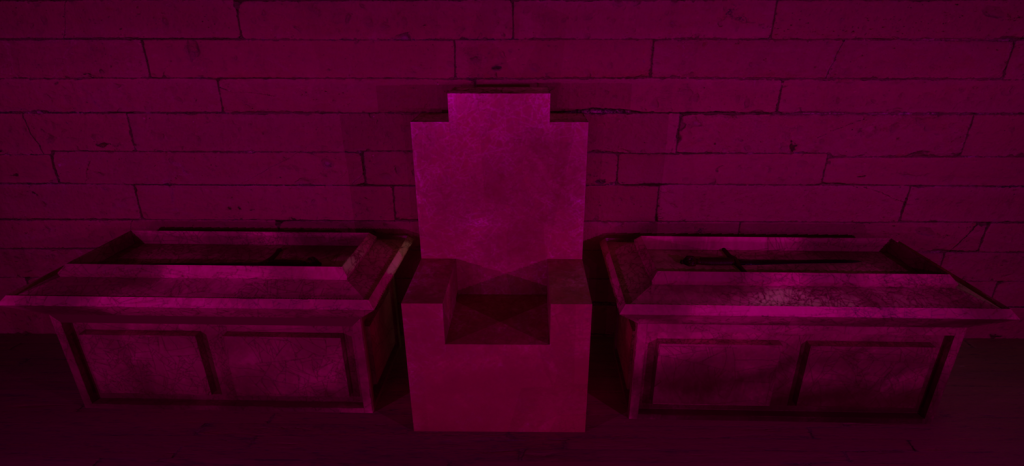
Then I added some more smaller details such as a throne at the back of the room and two tables next to it each with a dagger on top. I created the throne and table assets in a similar way to the altar. They are made of the same or similar materials and also decayed in a similar way to the base of the altar, e.g. cracked and dirty. The table has a flat platform with raised edges around it so anything placed on top sits lower. Unlike the table and throne assets, I found the dagger asset on quixel bridge, then added chains again from quixel bridge to the windows on the upper floor, to create a window look rather than just a hole in the building. Then I added chains to the pillars to make it look like the upper half was suspended by magic.
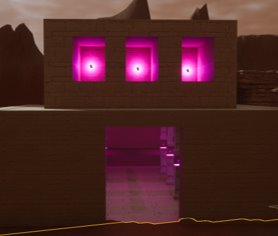
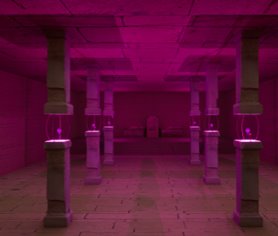
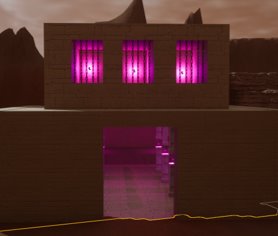
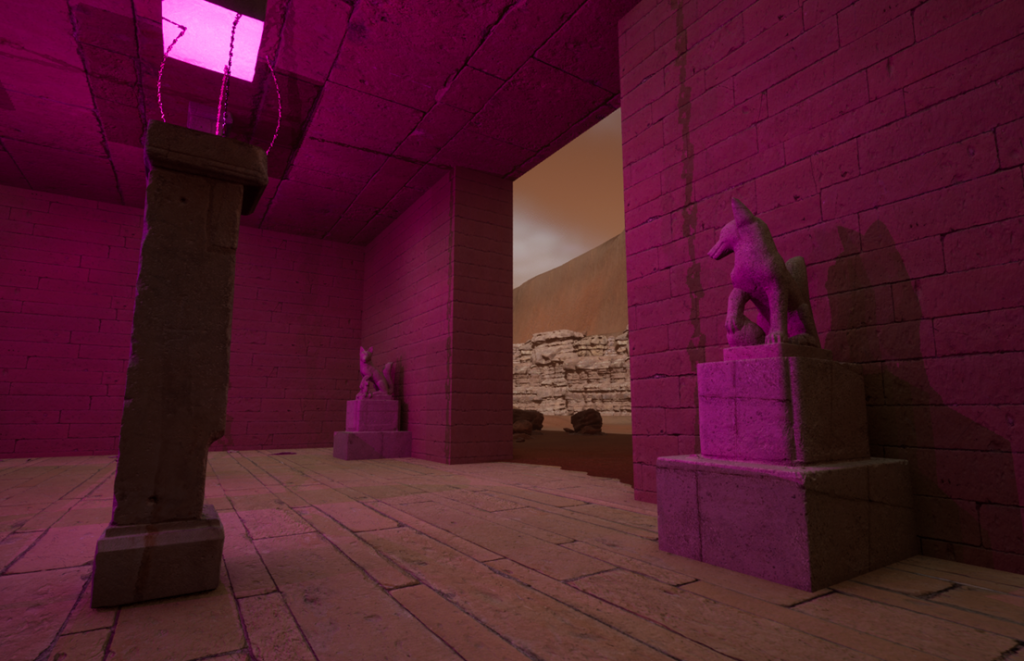
The final step was to add some minor details to the interior of the building such as: stones along the floor so, that it looks like pieces of the wall that have broken off and fallen to the ground. Because the building has decayed over time. Some statues to both the entrance of the building and next to the stairs. I added these because they made the building feel less empty and added an extra element of mystery, like what are the statues are based on? And did they have an effect on the people that built the building?
Reflection
I believe that my environment was overall good and I like the way that it turned out in the end. I think that the platform is almost exactly as I originally intended it, with only some very minor changes. Like the sun does not rest in a gap in the mountains. And a column blocks the sun, other than that I think that the platform is very close to the best I could make it.
I also liked the interior environment and the building overall. I think that the purple lights on the upper floor and the lights and chains holding the broken pillars together works well, with the chosen themes and helps to tie the themes together. While reflecting on the throne asset I feel that I could have made it a little better, as it reflects light slightly and this does not happen with a regular piece of carved stone. The tables however, I believe fit well into the building and the environment and even helps to make the building feel less empty.
I feel that if I were to do this again with the experience and knowledge that I gained during this project, I would add some more details. Such as more variation in the landscape textures, e.g. the path and sides of mountains are not only the same, but they also only one material with little variation. I also feel that I could do the same with the sand texture and even though the desert is meant to be desolate, I could have added more interest by adding some changes. Other than just changes in variation and improving current parts, if I were to make the environment again and make it larger, I would add a branch on the path that leads to an oasis that has ruins around it similar to the original circular platform. This would help the environment feel less bland and repetitive by adding a new feature that is both very different from the current environment, but links to the current environment with the similar related ruins.
Final product
Below is the recorded video of my environment that was recorded using the built in camera and level sequence in unreal engine, this video shows my interior environment, the altar and the general environment that these are in.
I also took beauty shots of my environment that are meant to show it off clearly and bring attention to the parts that I believe should be shown better.
To start I took beauty shots of the altar, starting with the primary asset in the center with images from all angles, and then some other shots of the whole platform from different distances.
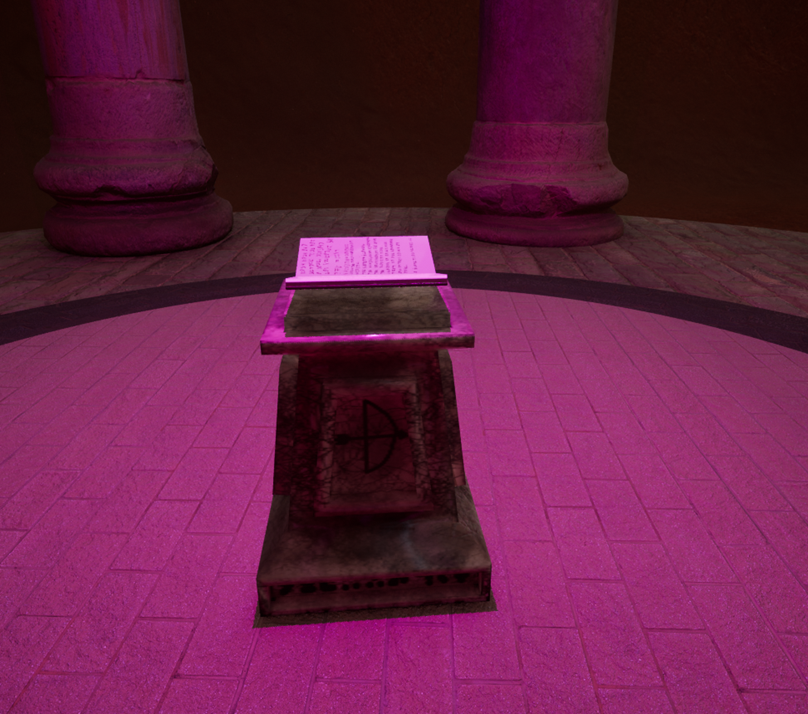
After taking beauty shots of the platform I took some beauty shots of the building and interior environment starting from the outside and getting closer to the throne and even some close up shots of the statues.